Works with the plotter you already own
No proprietary hardware, no forced equipment replacement, no bundle that traps your software with your machine. Set your brand and material below for a starting point, then test cut.
Set COMMAND to Auto in the interface menu first.
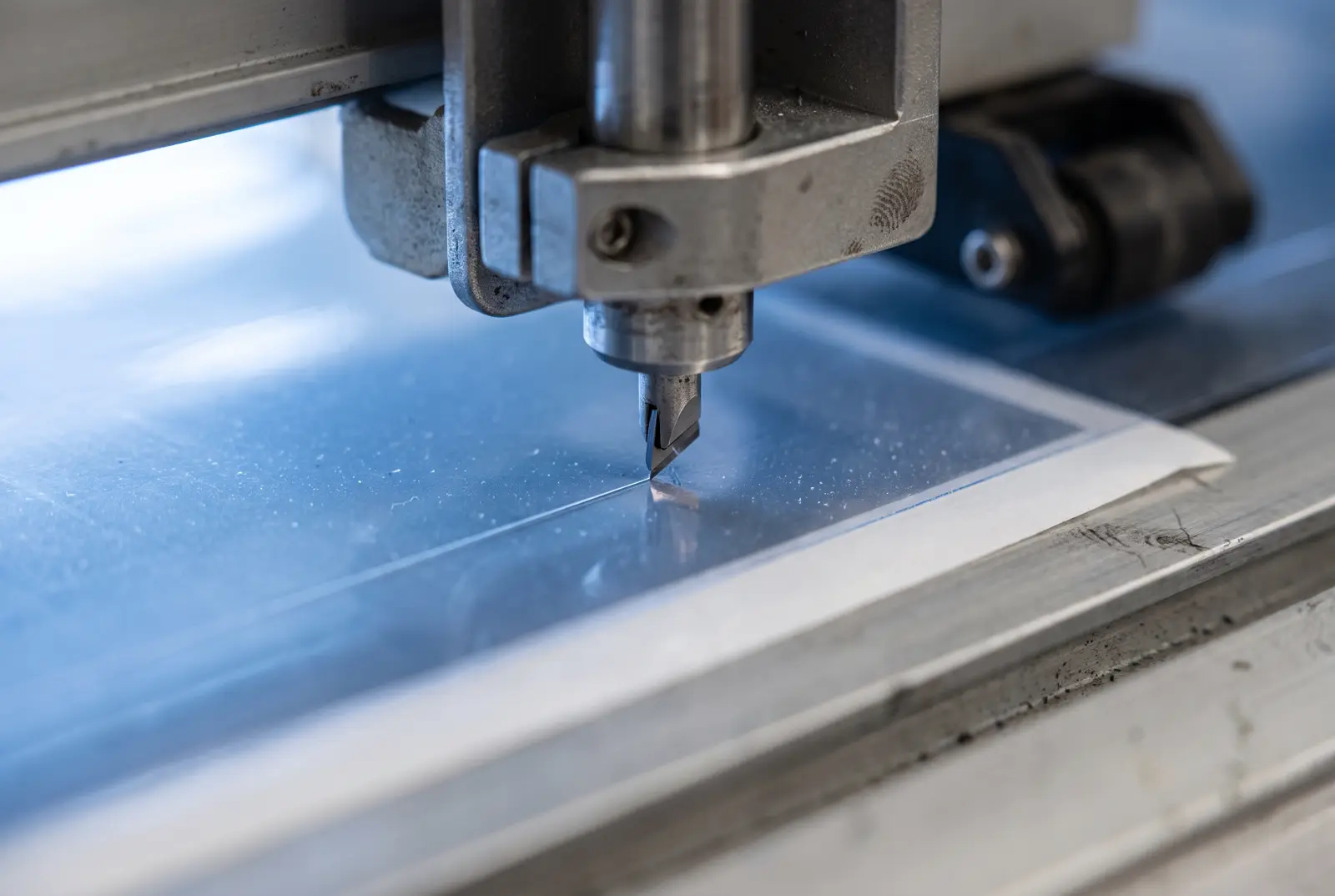
Cut the calibration square before every first job of the day and after any blade change. The film should part cleanly and the liner should show a light score without being cut through.
Supported machines
- Models
- FC9000, CE7000, CE6000, CE LITE-50
- Connection
- USB or network, GP-GL and HP-GL
- Languages
- HP-GL/2 or GP-GL
- Check
- Call +1 (832) 786-3388
From box to first cut
Install ULTRAFILMCUT
Download and install on a Windows 10 or 11 workstation. Run the installer as administrator and enter your licence or trial code.
Connect the plotter
Connect over USB or network, power the machine on, and confirm it appears in Windows Device Manager before launching the software.
Run the setup wizard
Settings, then Plotter Setup, then your exact brand and model. The profile sets cutting width, origin and command language for you.
Calibrate on scrap
Cut the calibration square and adjust blade offset, force and speed until the film parts cleanly and the liner is only scored.
Cut a real pattern
Search a vehicle you have booked, nest the kit and send it. Stay at the machine for the first panel, because tracking and offset problems show immediately.
- Windows 10, 64 bit
- Intel Core i5 or equivalent
- 8 GB RAM
- 500 GB available storage
- Broadband connection
- Windows 11, 64 bit
- Intel Core i7 or better
- 16 GB RAM or more
- 1 TB SSD
- High speed broadband
- One account is valid for one PC at a time
- Turn antivirus off during installation, then back on
- Install the Visual C++ Redistributable if prompted
Plotter questions
Graphtec, Roland, Summa, Mimaki and USCutter machines are directly supported, along with most plotters that accept HP-GL/2 or GP-GL commands. There is no proprietary hardware requirement.
No. That is the point of universal support. If your machine speaks a standard cutting language and has the width you need, it will cut ULTRAFILMCUT patterns.
Call +1 (832) 786-3388 or email software@uppf-usa.com with your brand and model and support will confirm compatibility at no cost, before you spend anything.
Front end kits and rockers are comfortable at 24 inches. Full body coverage on large panels wants 60 inches, otherwise you introduce a seam the customer will notice.
ULTRAFILMCUT runs on Windows 10 and 11. Most shops run it on a dedicated Windows workstation at the cutting bench.
Cut a real pattern before you pay for anything
Request a trial code, install on your Windows workstation, and cut on the plotter you already own. Fourteen days, no card.